Install the App
This section covers the installation of the COSMO Peruvian Localization. Typically an installation is only performed once and is not executed by the user, but an administrator.
To install in SaaS environment
In SaaS environments, the app can be installed from the [AppSource] (https://appsource.microsoft.com/es-es/product/dynamics-365-business-central/PUBID.cosmoconsultag%7CAID.peruvian_localization_bc%7CPAPPID.a5eba594-d4e5-404f-8c2a-ba6fb661e3b5). There are two ways to install the app, from external and internal of Business Central. All dependencies are installed automatically. Uninstall and install the app again to upgrade to the most current version.
AppSource
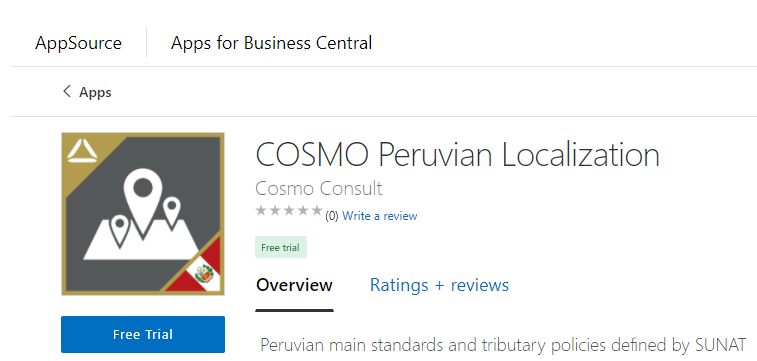
Visit the [AppSource] (https://appsource.microsoft.com/es-es/product/dynamics-365-business-central/PUBID.cosmoconsultag%7CAID.peruvian_localization_bc%7CPAPPID.a5eba594-d4e5-404f-8c2a-ba6fb661e3b5) and choose Free trial. You will be forwarded to the page where you must log in with your Business Central user credentials and must select an environment to install the app to. Follow the wizard instructions to complete the installation.
Extension Marketplace
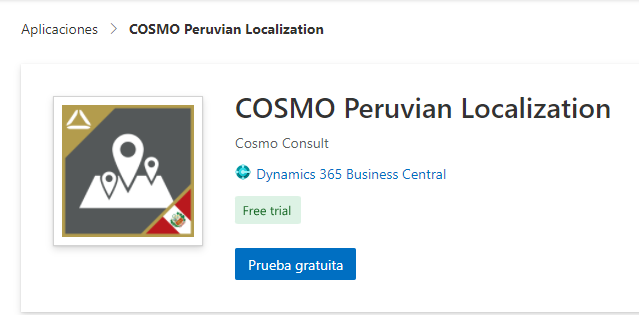
In Business Central, choose the Lightbulb that opens the Tell Me feature icon, enter Extension Marketplace, and then choose the related link. In the marketplace, search for COSMO Peruvian Localization and select Free trial. Follow the wizard instructions to complete the installation.