Create Project
When working with Azure DevOps, you need an organization (see create org) and a project. To create a project, you need to take the following steps:
- Right-click on the organization where you want to create a project and select Create project
- Enter a name for the new project
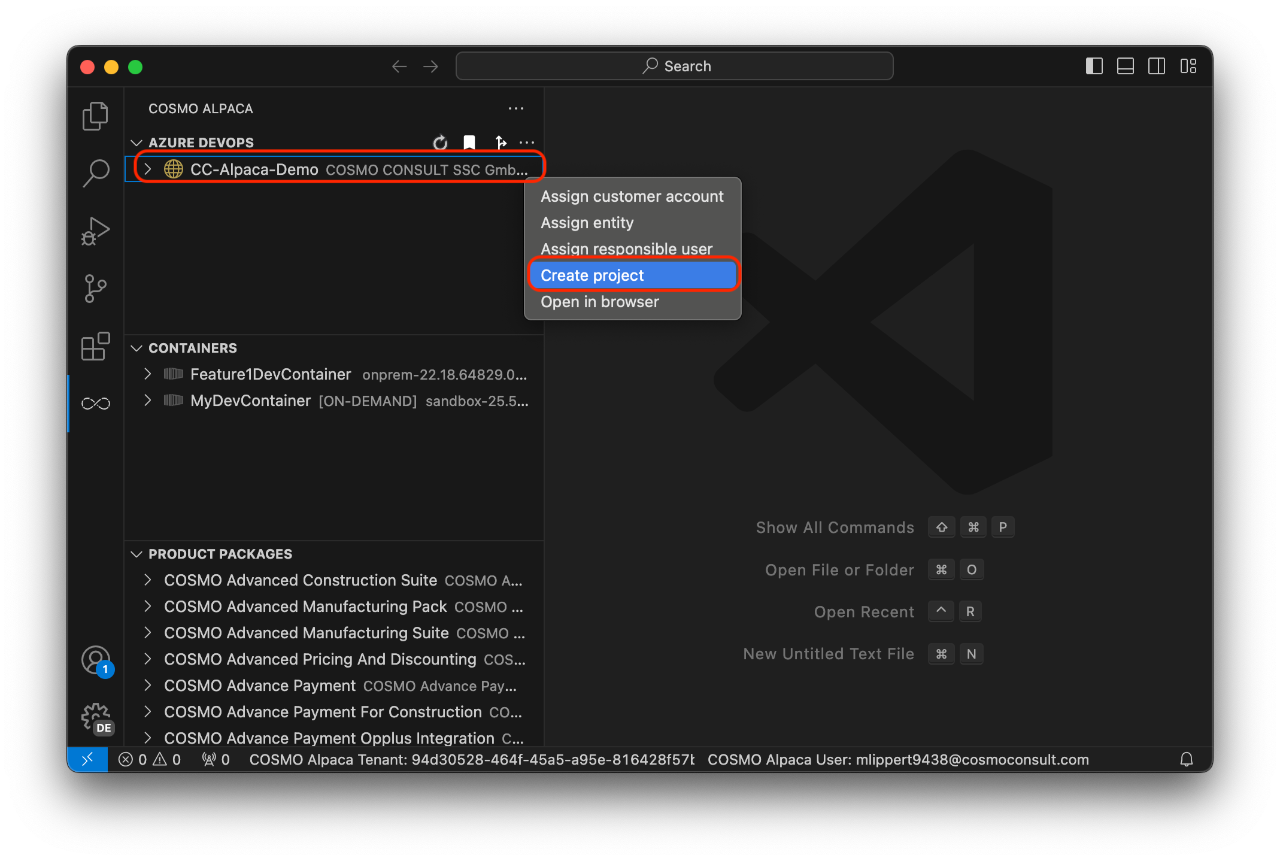
With that, the new project will be created. It has all the basic setup and preparation needed to start working on a Business Central project including e.g. a repository for the CI/CD automation. In the background the following extensions will be installed in the Organization:
- Code Search
- Pull Request Merge Conflict Extension
- Generic Connection Viewer
- AL Language Syntax Highlights
You're now ready to create a repository with an AL app.
Note
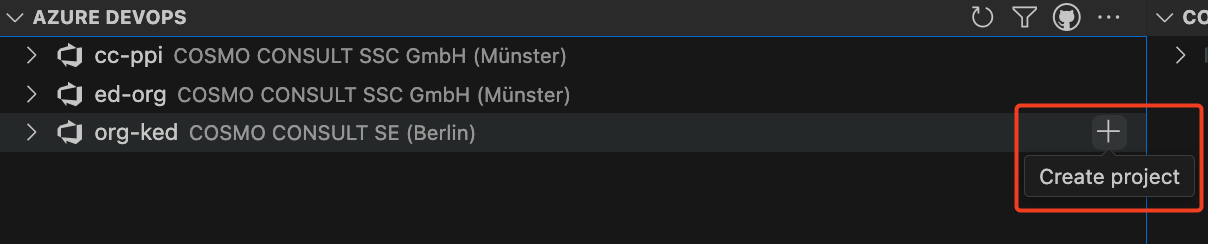
To add a new project in the preview Alpaca extension, use the plus (+) icon next to the organization name.