Registration & Login
The COSMO CONSULT ticket system can be accessed via the following URL: https://portal.cosmoconsult.com/
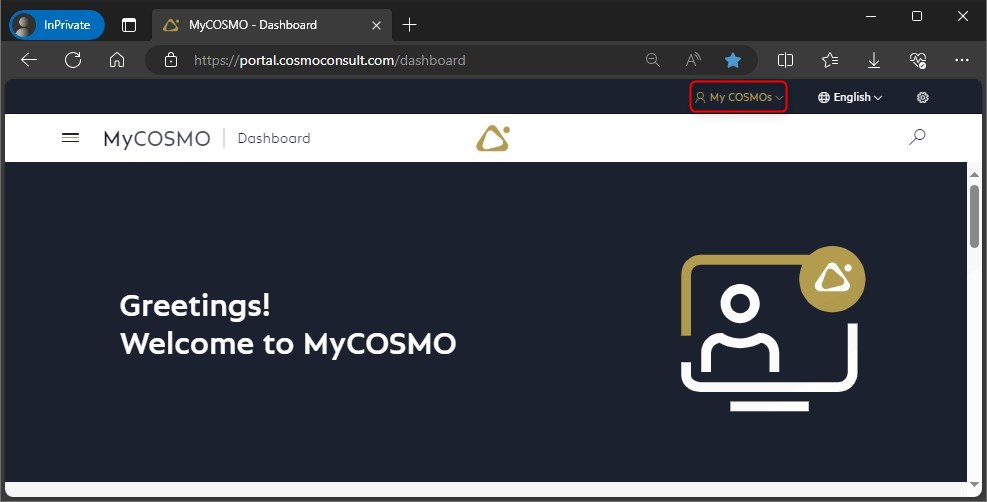
To log in, select the button at the top right.
You can log in with your existing MyCOSMO login or create your account the first time you use it.
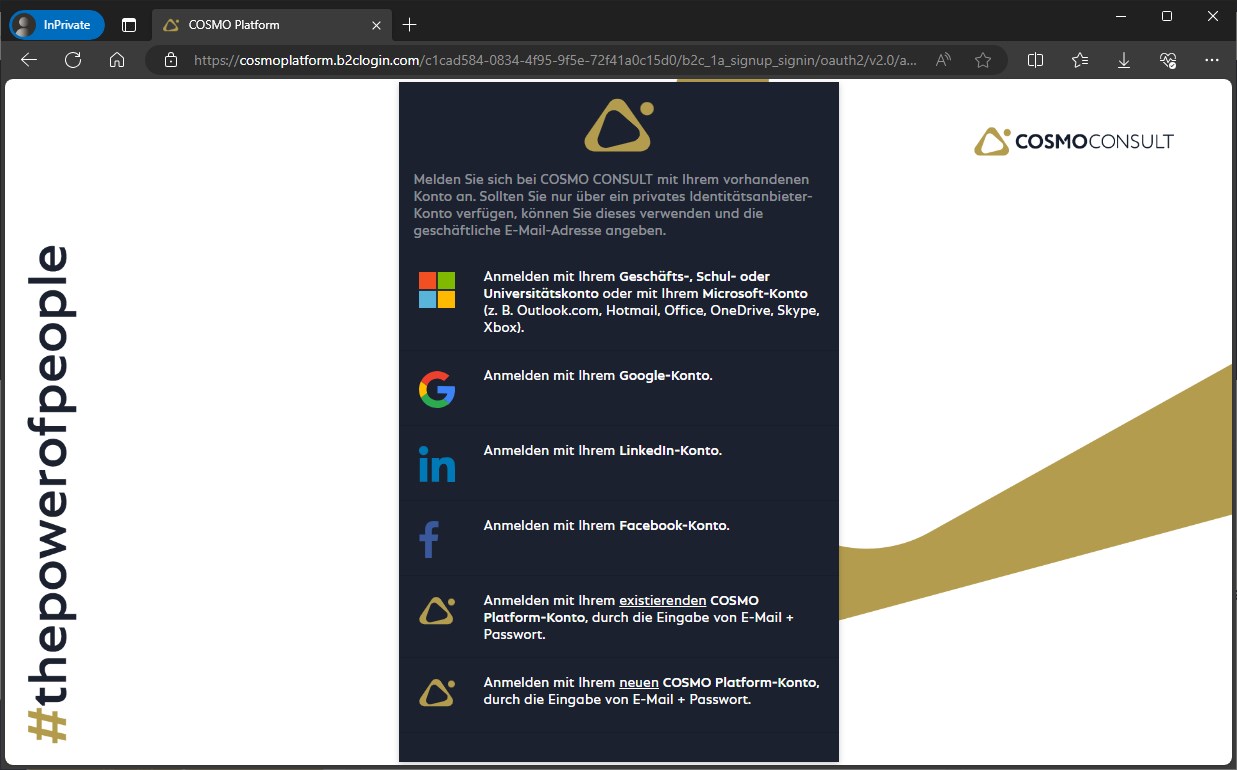
There are a number of identity providers to choose from for authentication in MyCOSMO.
Note
We recommend using your Microsoft business account.
It is crucial for the login that the e-mail address used is activated for login by a COSMO employee.
The identity with which you are currently logged into the browser is used for the link / URL.
Alternatively, you can open the link with an in-private window and explicitly select the identity with which you want to use our portal.
Please note: When you register for the first time, an authentication code will be sent, this code is only valid for 15 minutes.
You can find a short video on registration here: MyCOSMO Plattform Registrierung - YouTube
When using the system for the first time, the necessary business relationships may not yet have been set up or not all authorizations may have been set.
Please contact your account manager for further setup and brief instructions.