Configuration & handling
We recommend using Chrome or Edge as your preferred browser
A range of functions and settings are available via the icons at the top right.
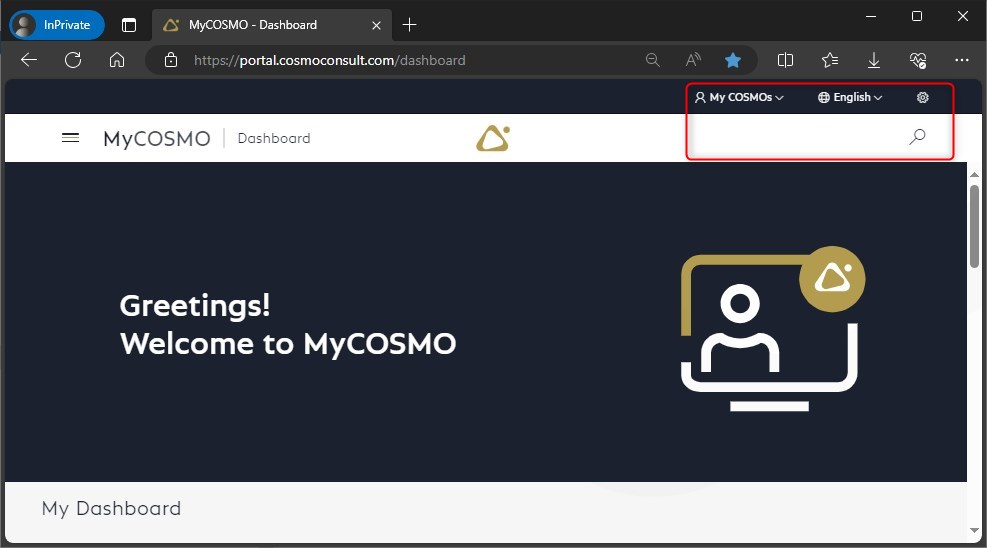
Full text search
The full text search with the “magnifying glass” is powerful, try it out.
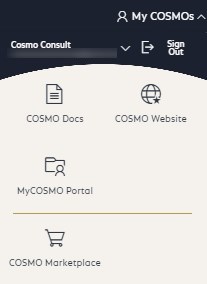
MyCOSMOs
You can switch between different areas and topics via MyCOSMOs:
- documentation via COSMODocs
- our website
- the portal and the ticket system
- the COSMO Marketplace
- our chatbot COSMA
Language
You can change the language using the “globe”.
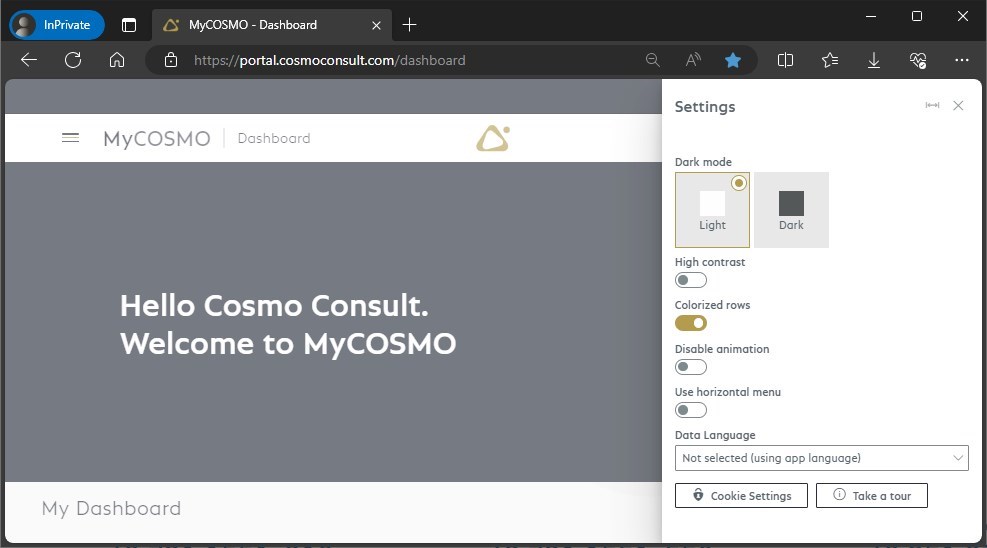
Settings
Via the settings (“gear wheel”) you can, among other things
- activate the dark mode,
- activate the horizontal menu
- or take a tour with operating instructions
Do you have questions or suggestions about MyCOSMO?
Please use the feedback options at the bottom right of each page!