App Installation
This section covers the installation of the COSMO Quick Start Analytics [...] app.
There are two ways to install the Power BI template app: externally from Microsoft AppSource or internally from your Power BI service.
AppSource
Visit the AppSource and then choose Get it now. Sign in with your Power Bi user credentials on the following Pop-Up and follow the wizard instructions to complete the installation.
Power BI Service
- Go to app.powerbi.com.
- Sign in with your Microsoft user.
- Choose Apps in the navigation area on the left side.
- Select Get Apps.
- The Power BI apps marketplace opens.
- Search for COSMO Quick Start Analytics.
- Select the desired module.
- Choose Get It Now.
Connect your data
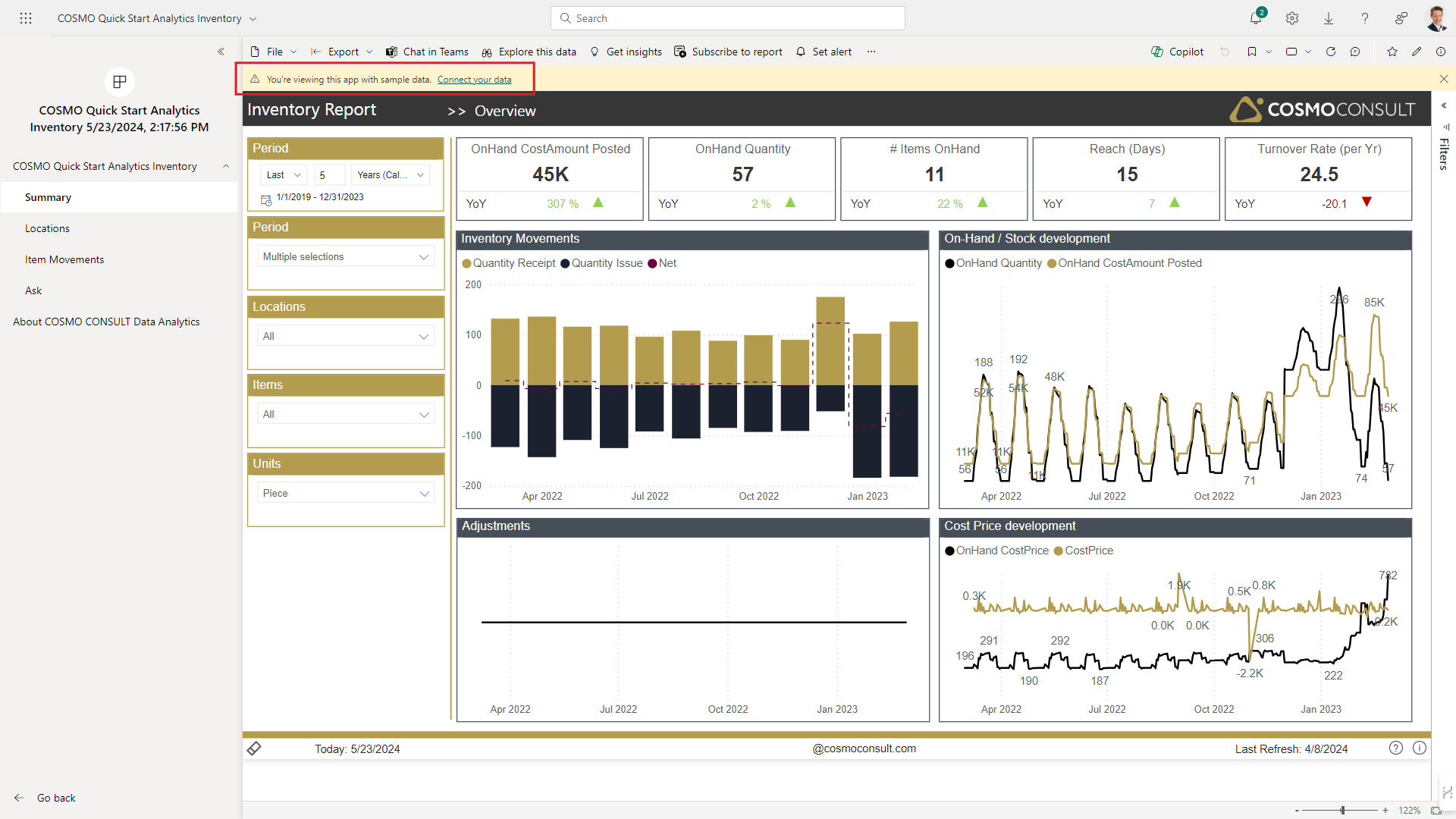
As soon as you have installed the app and open it, you'll see the report page with demo data. To connect the app with your real-life data, follow the instructions below:
- Choose Connect your data within the yellow note-bar.
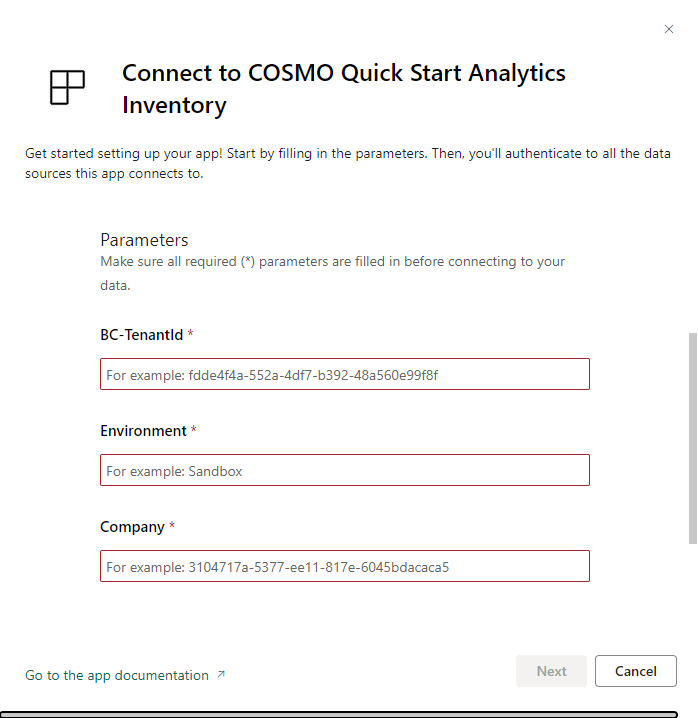
- Fill in the required parameters on the screen according to your Business Central environment.
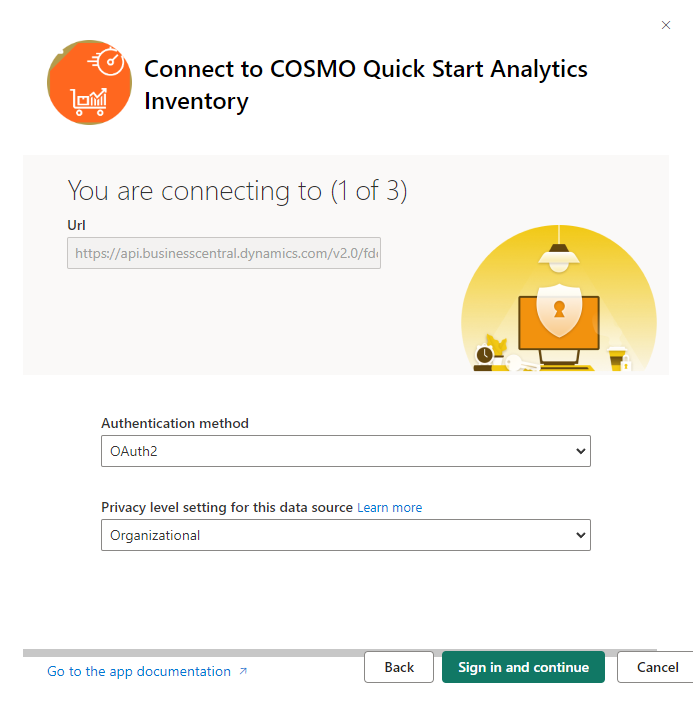
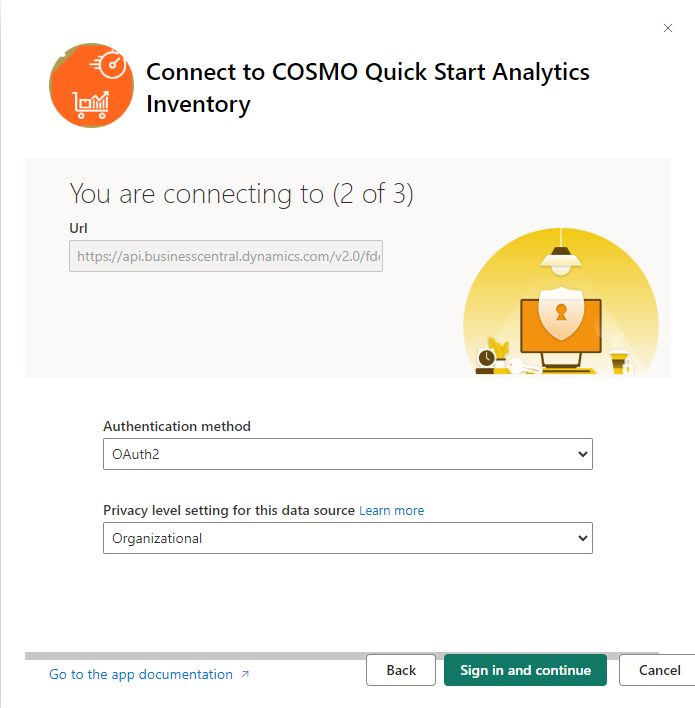
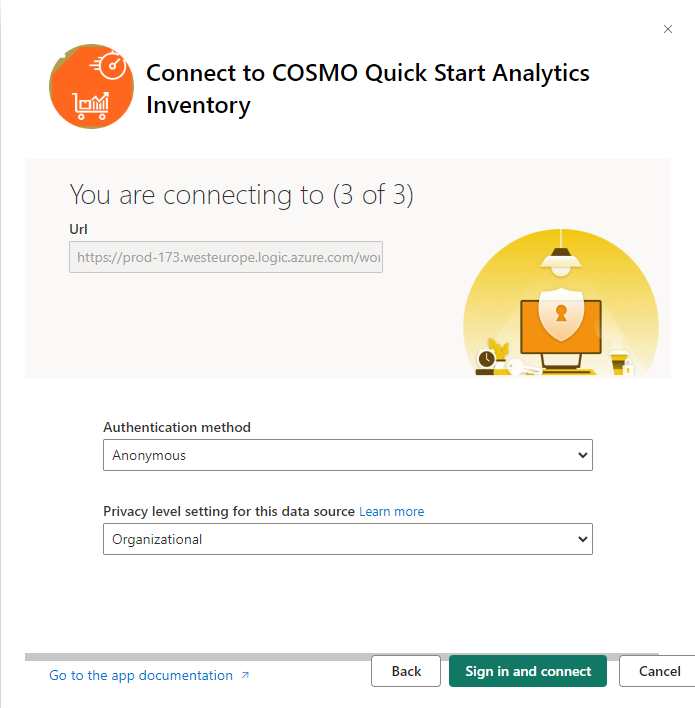
- Authenticate to the data sources with OAuth2 authentication using OAuth2 for the Business Central data sources (1 & 2) and Anonymous for the COSMO-public API (3).
Connection 1/3
Connection 2/3
Connection 3/3
Note
You must authenticate twice against Business Central because two different endpoints are used.
Ensure to use the same Privacy Level settings for all connections - otherwise the refresh will fail.