Dynamic Functions
Formulas are defined when using the configuration feature with dynamic BOMs and checklists. Formulas to be used in different BOM and checklists can be separated by dynamic functions.
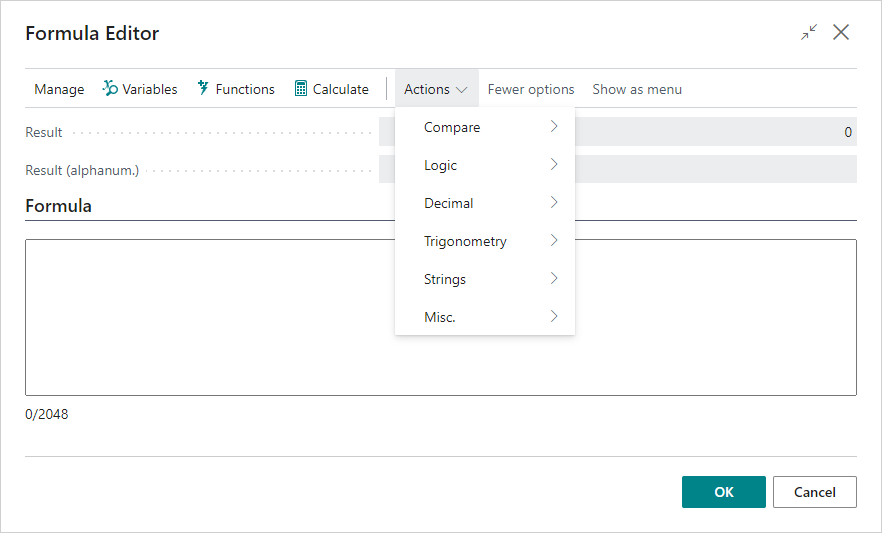
These formulas can be entered manually in the formula fields or created using the Formula Editor, accessed using Tell Me for general formula review or from dynamic master BOM or checklist formula lines by choosing the Functions action. Additionally, default functions can be entered directly in the Dyn. User Function page.
The various arithmetic functions and terminal symbols, functions, and constants are accessed from the Actions menu.
To see the result of the formula, choose the Calculate action or press F9 if the cursor is not in the Formula field. The result of the function calculation is provided as the return value to the formula field that opened the Formula Editor.
Note
2048 characters can be used to create a formula in the Formula Editor, which is also displayed as a count below the Formula field.
See Also
Dynamic Checklist
Dynamic Master BOM
Feedback
Submit feedback for this page .