Variables in Dynamic Functions
Variables can be transferred as parameters to dynamic functions. To calculate with this parameter, placeholders like %1, %2 can be used. When using these dynamic functions in a formula, use a semi-colon (;) to separate the parameters.
For example, two functions are defined in the Dyn. User Function page:
| Code | Formula |
|---|---|
| AREA | %1*%2 |
| VOL | %1*%2*%3 |
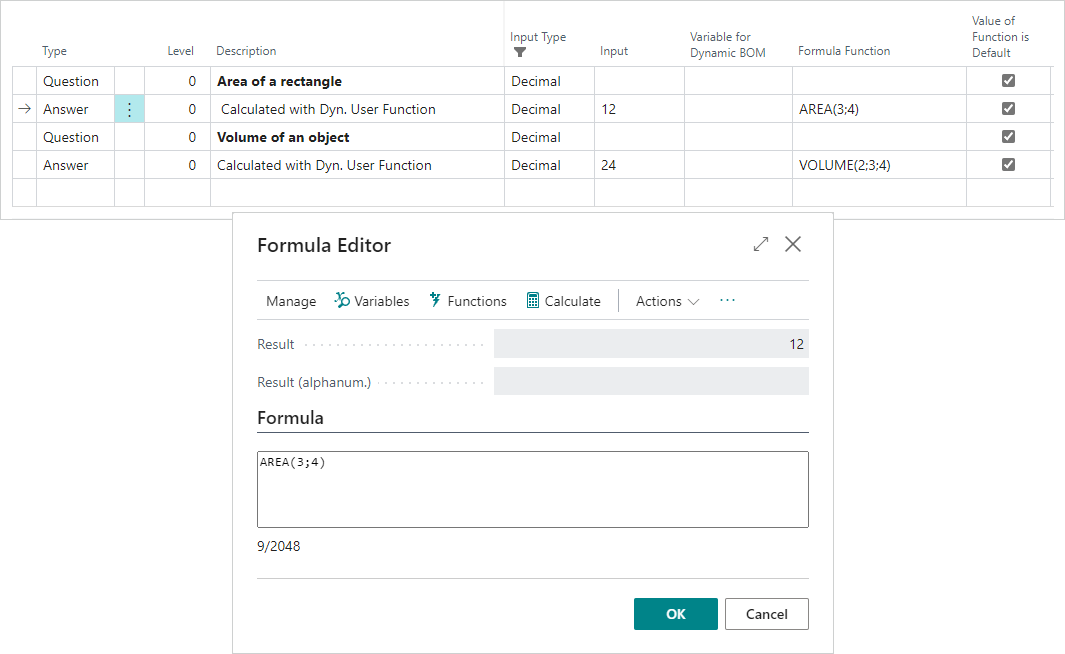
In the formula field or Formula Editor, the calculations of "AREA(3;4)" and "VOL(2;3;4)" will result in "12" and "24", respectively.
Feedback
Submit feedback for this page .