Ticket management
In the ticket overview in the MyCOSMO portal, you can open and edit existing tickets by selecting the ticket and using the "Edit" or "View" actions.
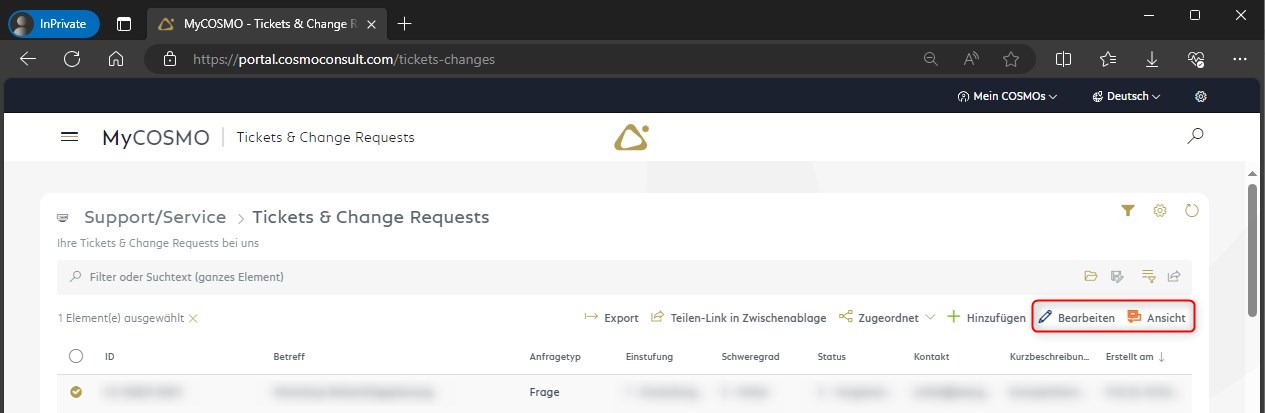
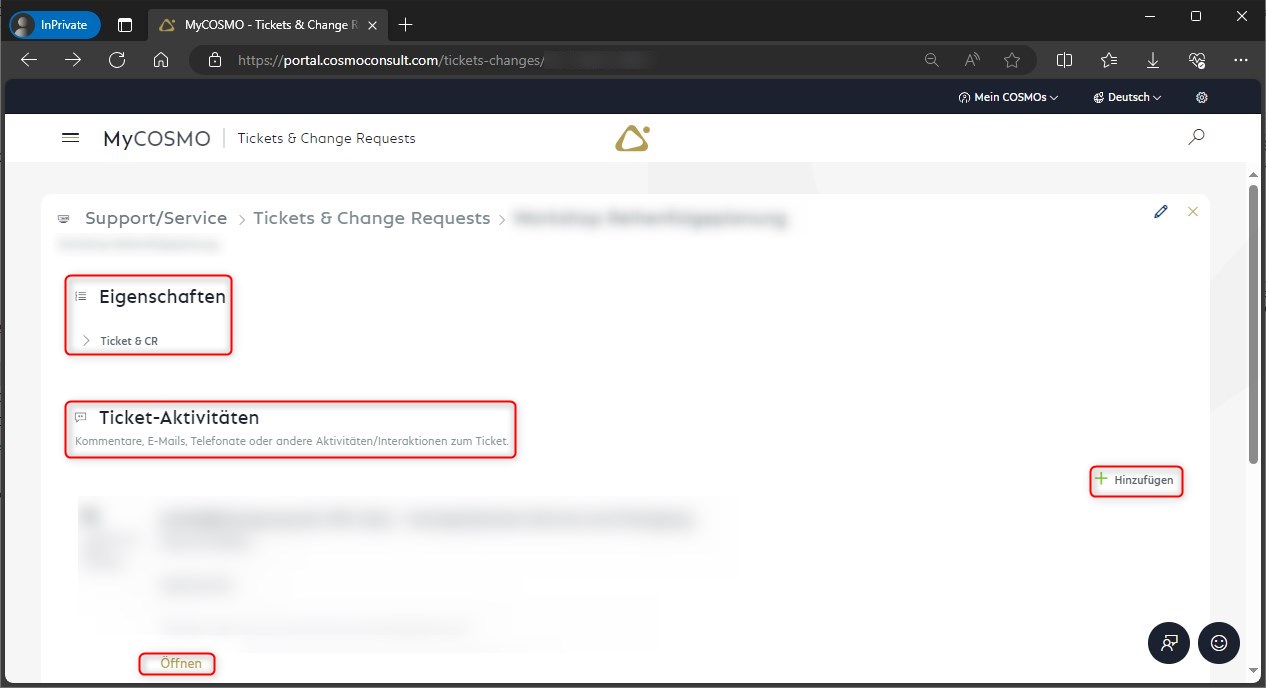
Use the "View" action to see the properties of the ticket and the history to date.
You can open the activities either by double-clicking or via the "Open" action.
You can add new activities using the "Add" action.
You can use the "Edit" action to change additional ticket properties, such as adding a reference or an additional contact.
Basically, you have different options for customizing the views in all areas. Use the respective "cogwheel symbol" to do this