Lot Determining
Lot Determining automatically carries a lot number from any input used in production – such as a raw material, semi-finished item, or purchased component – through each production step to the finished product, enabling end-to-end lot traceability.
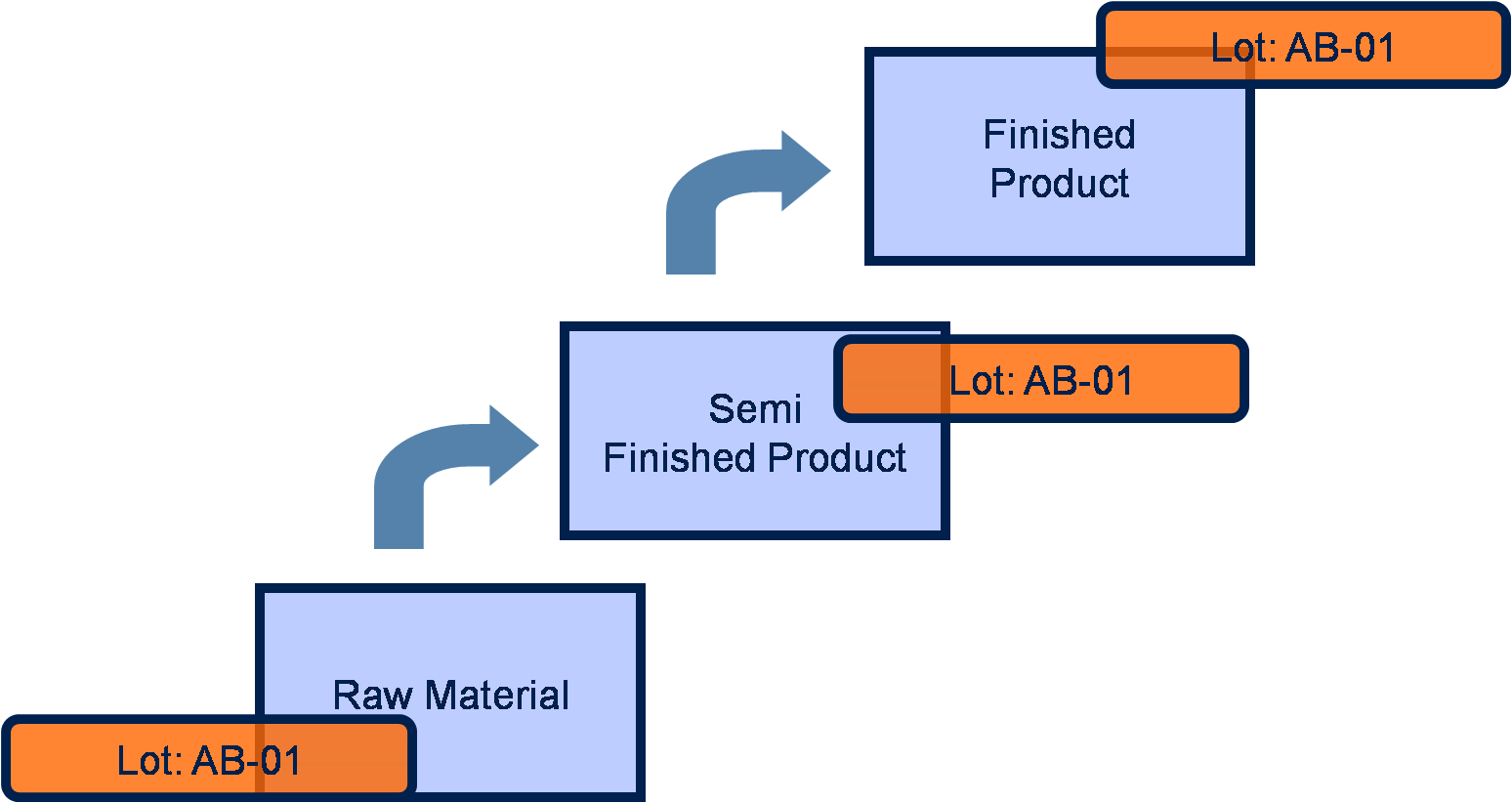
As the figure above illustrates, lot AB-01 moves from raw material, to semi-finished product, to the finished product.
Lot Determining Setup
Whether Lot Determining is used is determined by activating the Lot Determining field on the item, production structure lines, and the production order components. In each instance, the field can be deactivated as needed.
On the Item Card, the Lot Determining field is located on the Item Tracking FastTab. Turning on this toggle automatically transfers the setting to the Production Structure.
At any point in time, only one component in a production structure or production BOM can be active as Lot Determining. You can configure different components as Lot Determining for successive validity periods by using the Starting Date and Ending Date fields on the production structure line or production BOM line.
After consumption of the lot determining component and the completion of the production order, the Item Tracing page displays the results, confirming that the lot number has been carried from purchasing to the finished product.
Time-Dependent Lot Determining
You can mark more than one component as Lot Determining in a production structure or production BOM when their active date ranges do not overlap. This lets you model a planned component changeover — for example, switching from one raw material to another on a specific date — while keeping the Lot Determining configuration continuous.
The following table shows two components with non-overlapping active date ranges:
| Component | Starting Date | Ending Date |
|---|---|---|
| Component A | – | 05/31/2026 |
| Component B | 06/01/2026 | – |
Component A is active until May 31, 2026. Component B takes over from June 1, 2026. Because no single day belongs to both periods, both components can be marked as Lot Determining at the same time.
The following rules apply when checking whether two active date ranges overlap:
- A line with no Starting Date is active from the beginning of time.
- A line with no Ending Date is active indefinitely.
- Two lines that share the same date are overlapping. A line ending on June 1, 2026 and a line starting on June 1, 2026 both cover that day, so they conflict.
- Two lines where one ends the day before the other starts are not overlapping and are allowed.
If you attempt to mark a component as Lot Determining while another component with an overlapping active date range is already Lot Determining, a validation error is shown and the change is prevented.
Note
The date-based validation described in this section applies to production structure lines and production BOM lines only. Planning components and production order components do not include validity dates for this purpose; for those record types, only one Lot Determining component is allowed per document line at any time.
See Also
Lot Determining During Item Exchange
Assign Lot Numbers to Posted Output
Feedback
Submit feedback for this page .