Manage Work Packages
What is a Work Package?
A work package represents a group of tasks that belong together and should be completed together as a group.
Work packages can have interdependencies, so you have to complete one before you can start the next one. This allows you to focus on the task at hand and to be guided step by step through the set-up.
You can display the work packages of a project on the project list or project map, see also Managing Projects.
Work Package Card
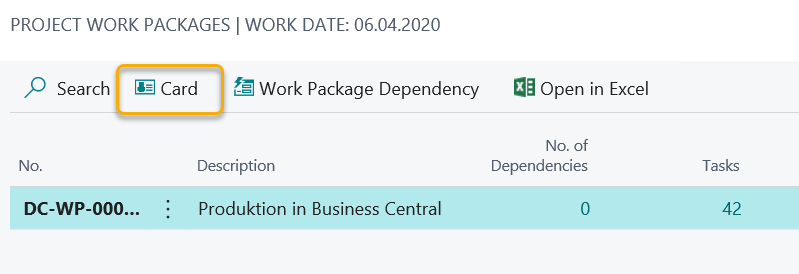
The menu Card is displayed in the work package.
The following table lists the most important information on the Work Package Card:
| Field | Description |
|---|---|
| No. | Unique No. of this work package in your system. |
| Description | Short Description |
| Language Code | Language Code in which this work package was imported |
| Finish Date | This field is calculated automatically based on the maximum due date that was entered in the tasks that belong to this work package |
| Project No. | Project No. of the project that is associated with this project. |
| Project Description | This field shows the short description of the project. |
| DevOps Work Item Type | Will be used for the DevOps export function and can be used to determine the work item type for work packages that are exported |
| Company | Company for which this work package has been created. |
| Status | Current status of the work package. The system will update this field automatically based on the status updates of the individual tasks. |
Work Package Dependencies
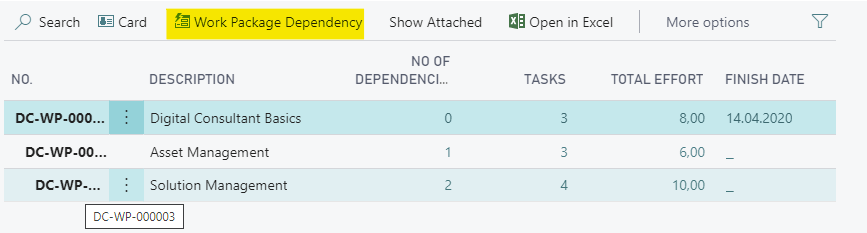
You can view work package dependencies by selecting the action Work Packages from the project list or from the project card. Select Work Package Dependencies on the following page:
Work Package Content
Please refer to Content Introduction to get an introduction into Content.
Content can be associated with different entities in the Digital Consultant app, one of them is the work package.
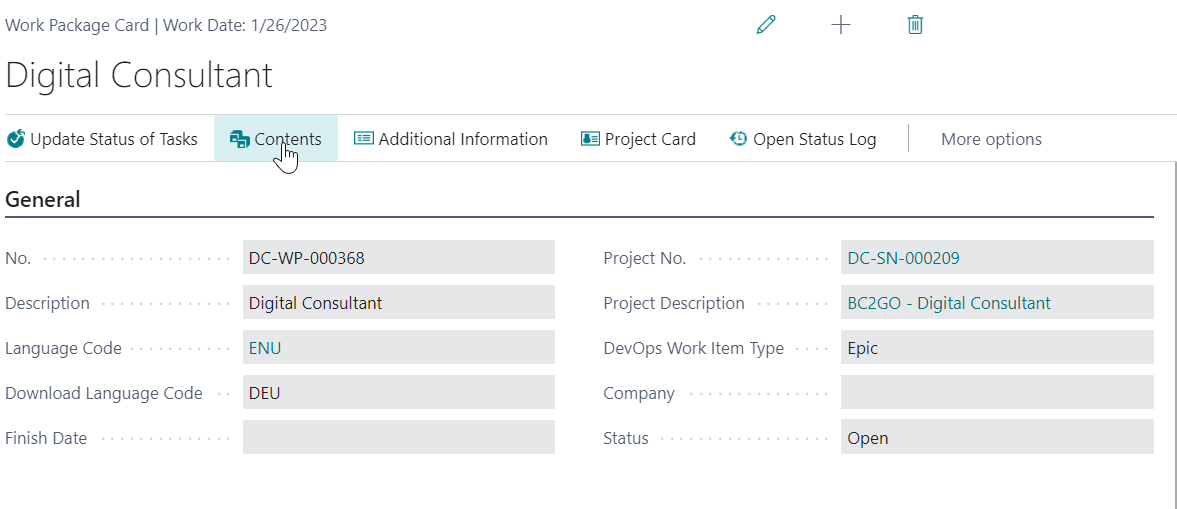
In order to access content that is associated with a work packages, please choose the action marked blow. Content that are associated with a work package should help users to complete tasks that are listed for this respective work package.
Status Log
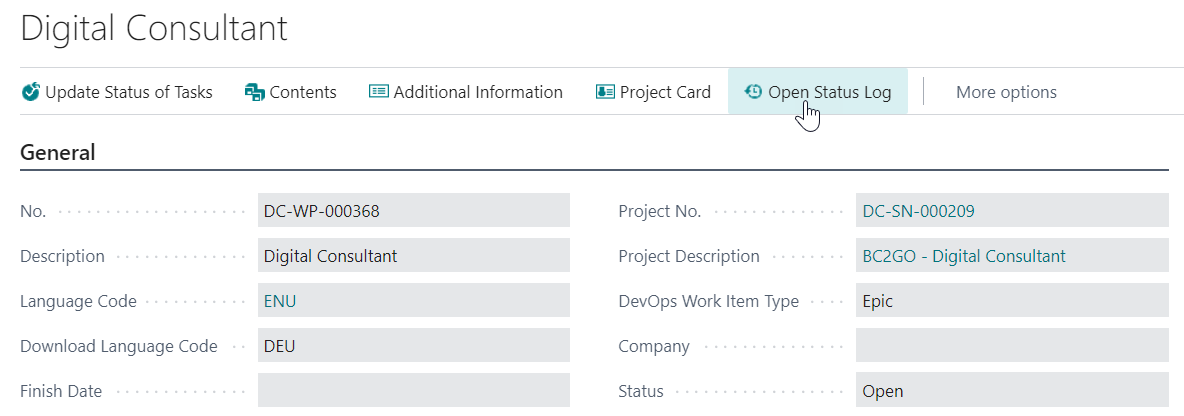
The Status Log will give you an insight about all task status changes that were done for tasks that are associated with this work package.