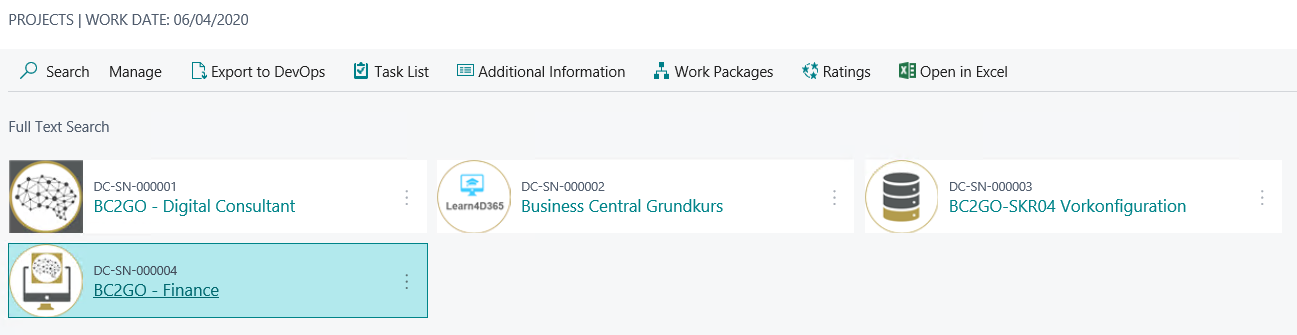
Download Project
If you have decided to implement your finance solution or retail solution in Business Central yourself, the Digital Consultant will provide you with the corresponding BC2GO solution.
To do this, go to your catalogue in the role centre via your STORE and search for BC2GO - Trade or BC2GO - Finance.
To download the solution, you need an active licence for the Digital Consultant. This means that you must have already downloaded the Digital Consultant Base. In addition, before loading the solution, please make sure that you have already loaded the pre-configuration package with the corresponding chart of accounts and edited the corresponding tasks.
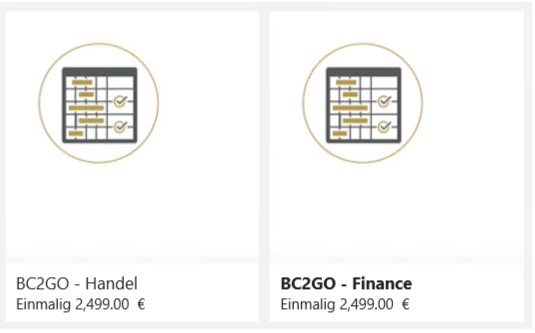
Once you have chosen the solution, you can start the booking process by using the function Order on Marketplace. You will be redirected to Cosmo Consult Marketplace where you log in and confirm the purchase.
Your booking will then be processed and activated.
When you have received the confirmation email from Cosmo Consult you can update your catalogue. Your booked solution will be visible and can be added to your projects via Download, see Load purchased solution.