Digital Consultant Store
The following video will take you through the different steps, further down you find detailed step-by-step instructions.
Once the app is initialized and the team is set up, the content catalog can be used to download a digital solution. The purpose of digital solutions is to provide a self-service implementation option for Business Central.
Update Content Catalog in the Store
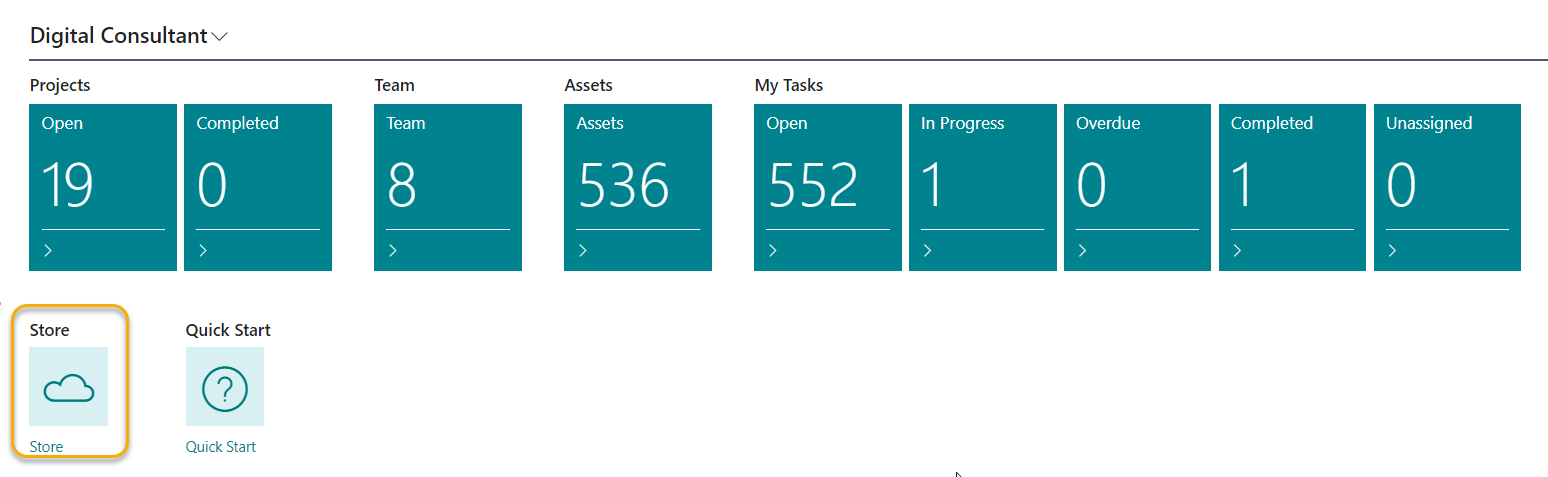
First select the STORE in your role center.
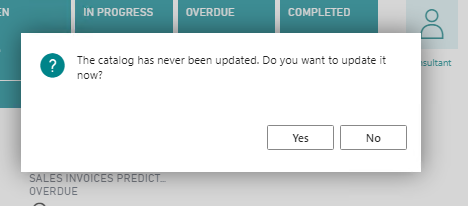
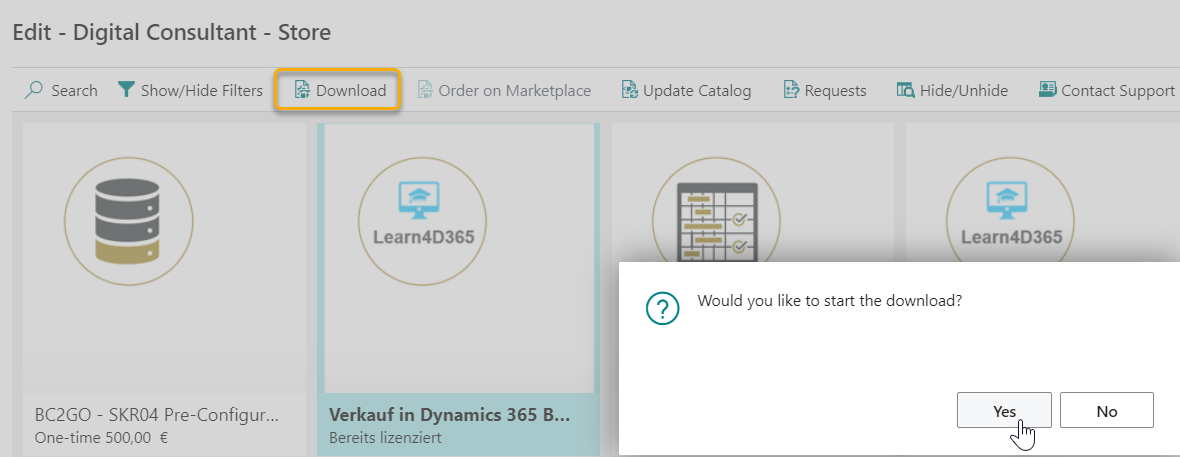
The following field appears. Please confirm the catalogue update with YES.
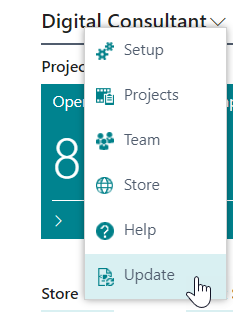
Each further update of the catalogue is done via the function Update Catalogue.
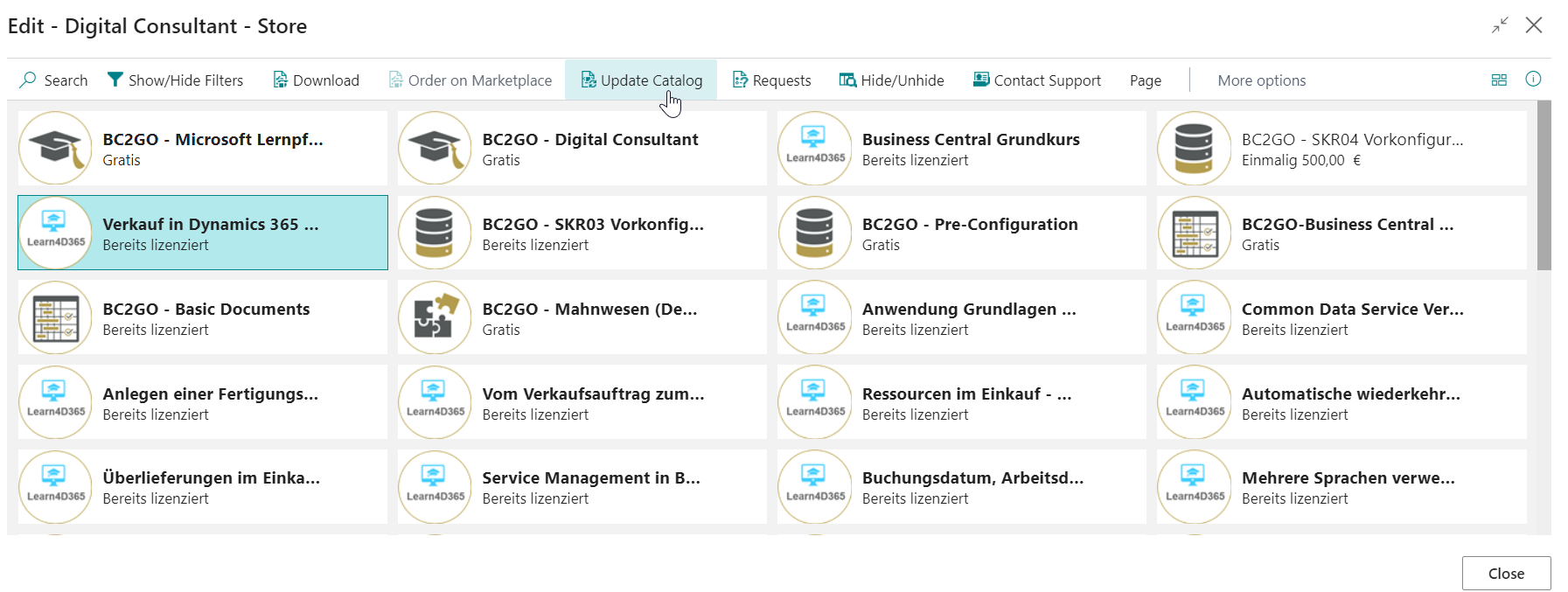
Handling Store
Content information
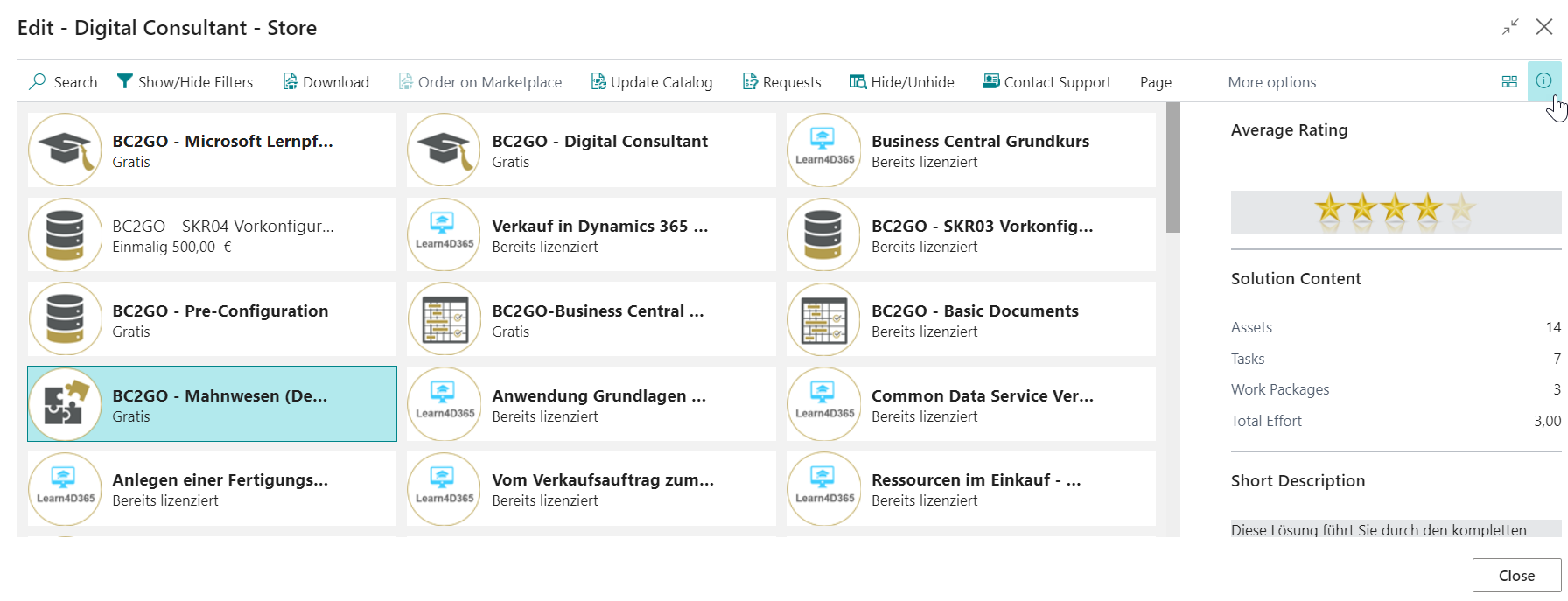
If you click on the desired product and click on the small symbol on the right for information, more detailed descriptions of the selected solution will appear.
*** KEEP ***
| Info | Description |
|---|---|
| Average Rating | The number of stars gives you an indication of how useful other users have found a solution or asset on average. |
| Solution Content | Assets: Number of assets that the solution contains<br / Tasks: Number of tasks, that the solution contains. Work Packages: Number of work packages, that the solution contains. Total Effort: This is an estimation by COSMO CONSULT, how long the implementation of this solution usually takes. |
| Short Description | A brief description of what this solution enables you to do or what added value it brings you. |
| Price | Specification of the price and type of billing (i.e. one-time, monthly, yearly, etc.) |
| Product Information | A link that leads you to a detailed product information page in the COSMO CONSULT Marketplace. |
| Available languages | Languages in which the solution is available |
| Available countries | Countries for which the contents are valid |
Enquiries about the content
Via the menu and the action Request you have the possibility to send a request for the product of your interest.

Select the type of inquiry and describe your request.
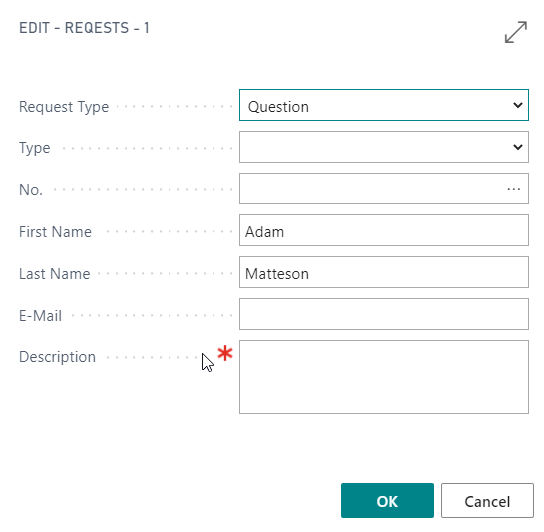
If you have questions for the support, select the menu item Contact support. You will be forwarded directly to the e-mail contact of the support.

Download of content
Via the menu item Download you can download the product of your choice, as long as it is a free version.
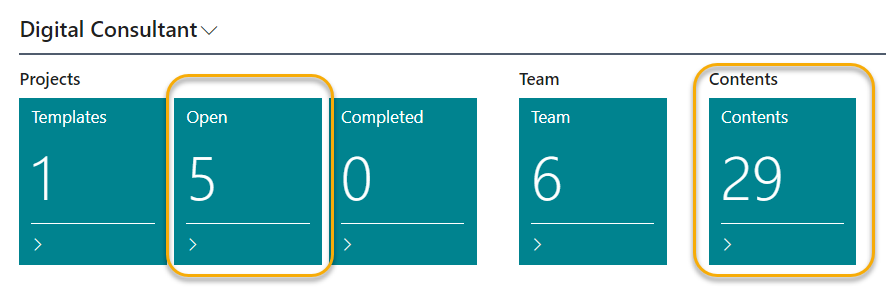
After you have confirmed the download of the product with YES, it will be made available to you immediately. You will find it in the PROJECT map of your role centre, see also manage projects.
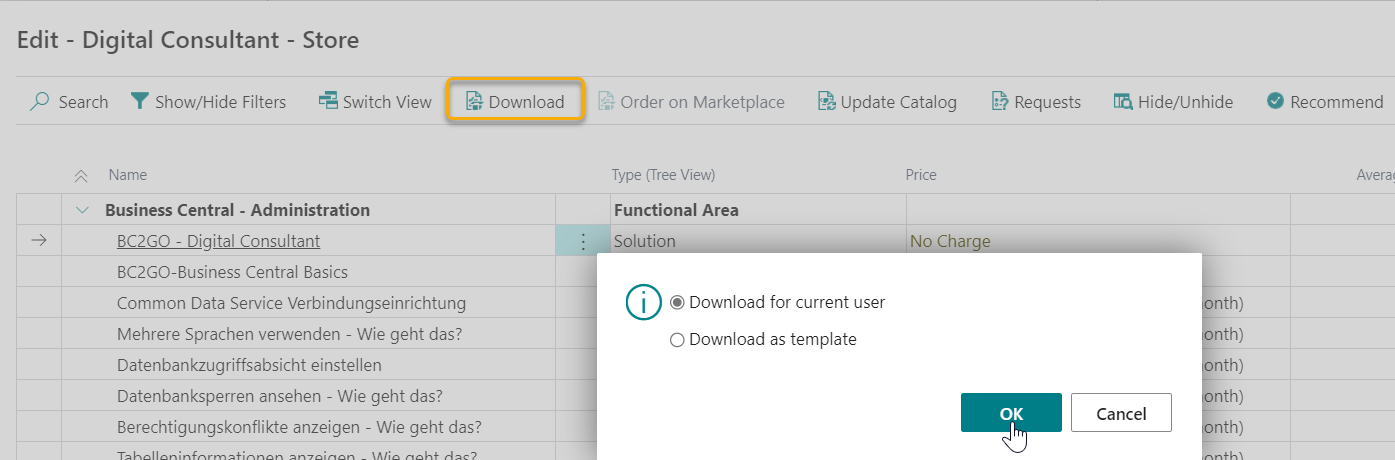
You have the possibility to download the product in different ways.
If you choose Download for current user, the content will only appear in the administration (projects, open tasks) of the role for which the content is defined.
For which Primary role the content is intended, you can find under the product information of the content (see Content information). For example, if you would download the solution BC2GO Finance "for current user", then the users with the Primary Role KU-FI (Key User Finance), KU-SA (Key User Sales) and KU-PU (Key User Purchase) would find the content in their administration. This is because these roles are earmarked for processing the tasks of the solution.
If you choose Download as template, the content will appear under your templates 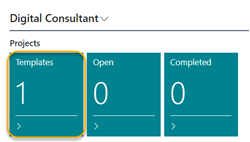 in your role center.
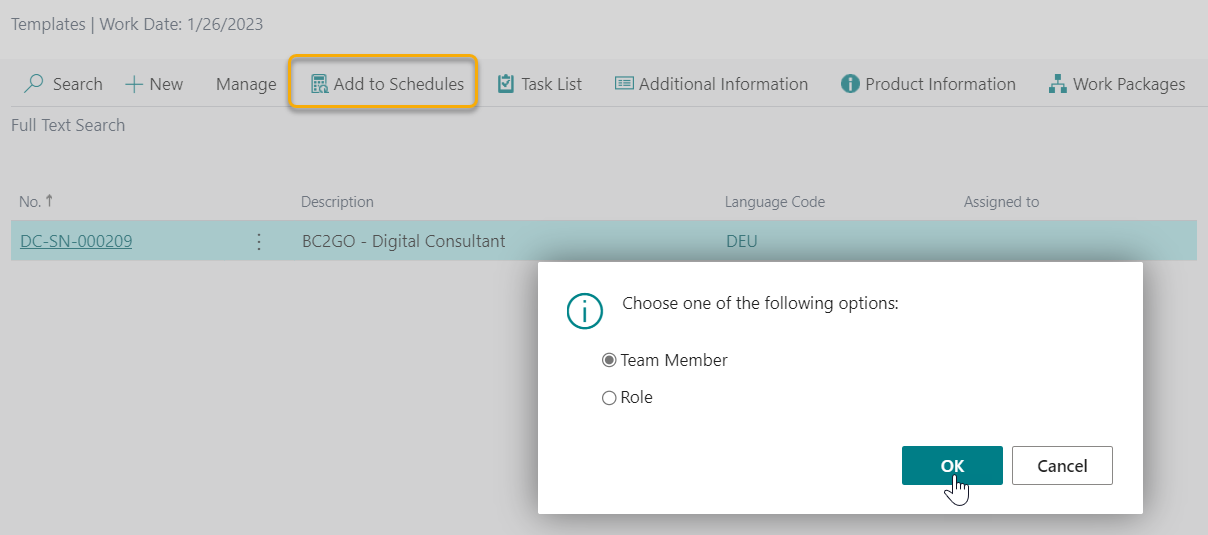
There you can specifically assign the project to certain users or roles via the Add to Schedules option. This option is especially interesting for the project manager who wants to distribute content that is relevant to many in your organization accordingly.
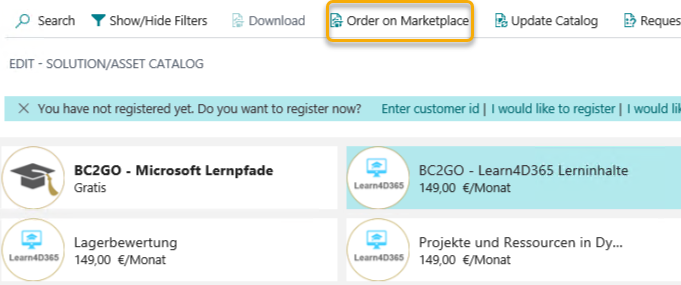
For paid versions, the item Order on Marketplace in the menu bar is activated and a registration process must be carried out.
Refer to the following items for Register Account and Activate Account.
How to order content?
If you select a solution or content from the Digital Consultant store that is not yet part of your license (you have not purchased it yet), you will be redirected to the COSMO CONSULT Marketplace. Please follow the registration process.
Once your order has been successfully processed, you will receive an e-mail. Once you have received the e-mail, your customer account has been created and you will now be able to download the item from the store (download action becomes available).
COSMO CONSULT Marketplace
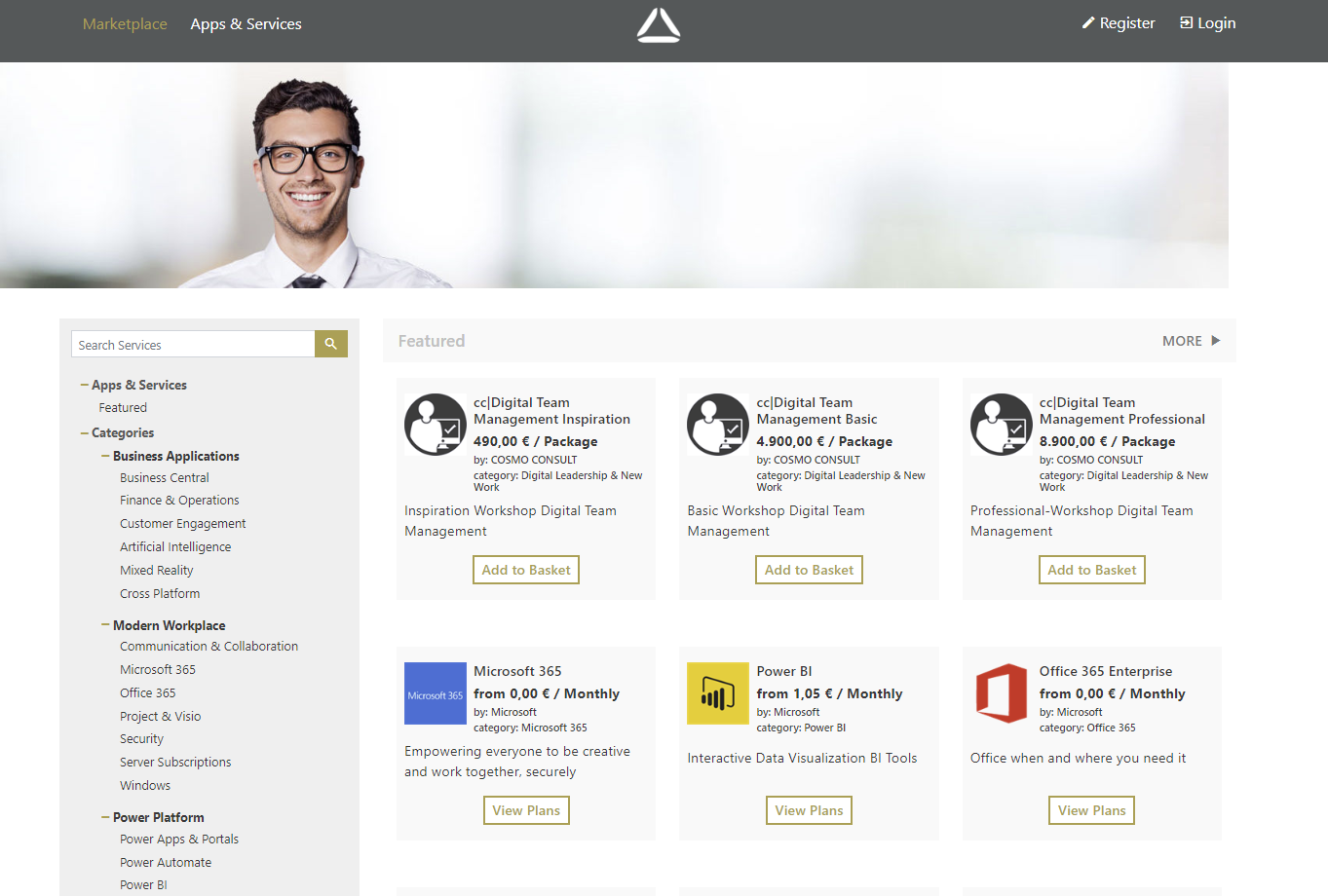
The COSMO CONSULT Marketplace can be used to purchase plans, solutions and content. Whenever a user is ordering a solution or an asset that is not free of charge, the system will re-direct the process to the COSMO CONSULT marketplace checkout. Once the order and payment process has been approved, the items can be downloaded using the solution/asset catalog.
Download Content
Once your marketplace order has been processed, the download action in the Store becomes available.
Load a purchased solution
If you purchased a solution or solution package (such as Digital Consultant Base) through the Marketplace, your selected content will be available for download from your store.
Click on the content and then on Download.
After that, the solution is available in your workspace and is displayed in your role center under Projects and Contents.
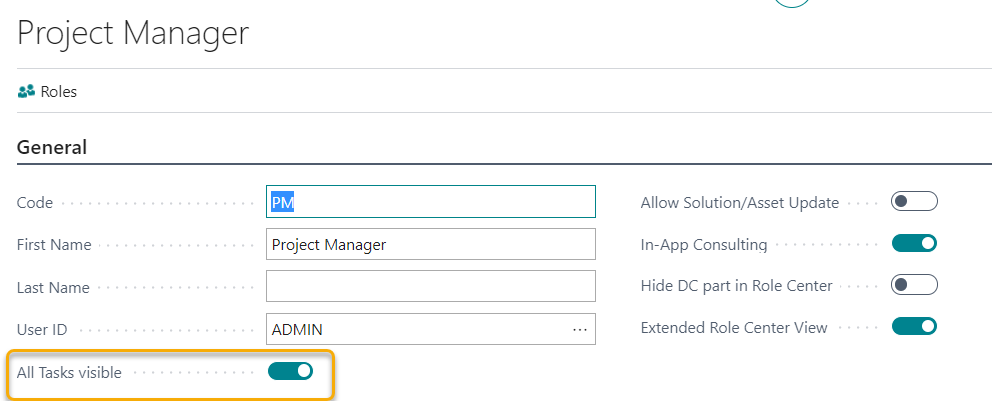
If the new tasks are not visible, activate the All tasks visible button at the corresponding team member in the team management.
After that, update your role center.
After that, if you click on your task management, you will see the included tasks.