Order Promising & Planning Flexibility
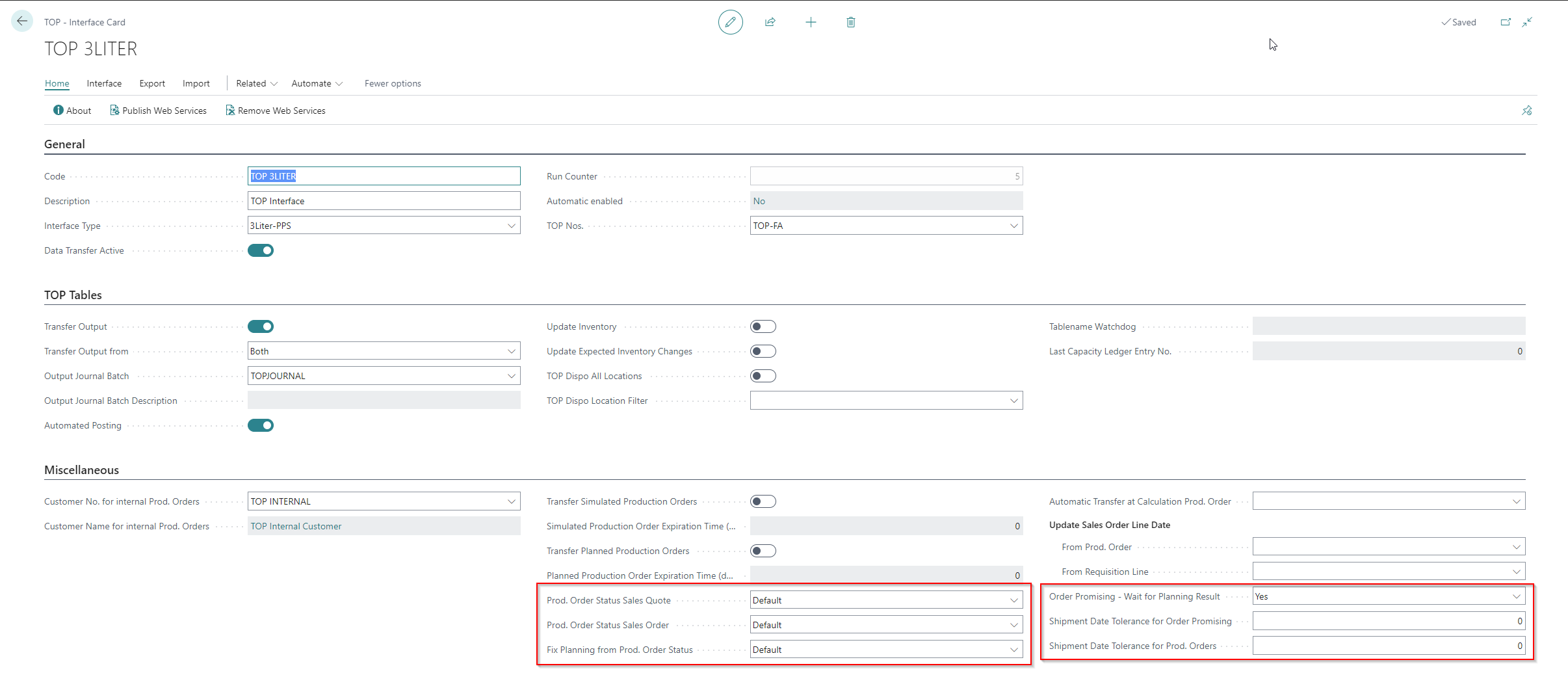
To use both functions, the TOP Interfaces setup must be maintained. Especially the fields highlighted in red (see TOP Interfaces).
Order Promising
The order promising is a function on the offer and order to check and confirm a desired delivery date or determine an earliest delivery date.
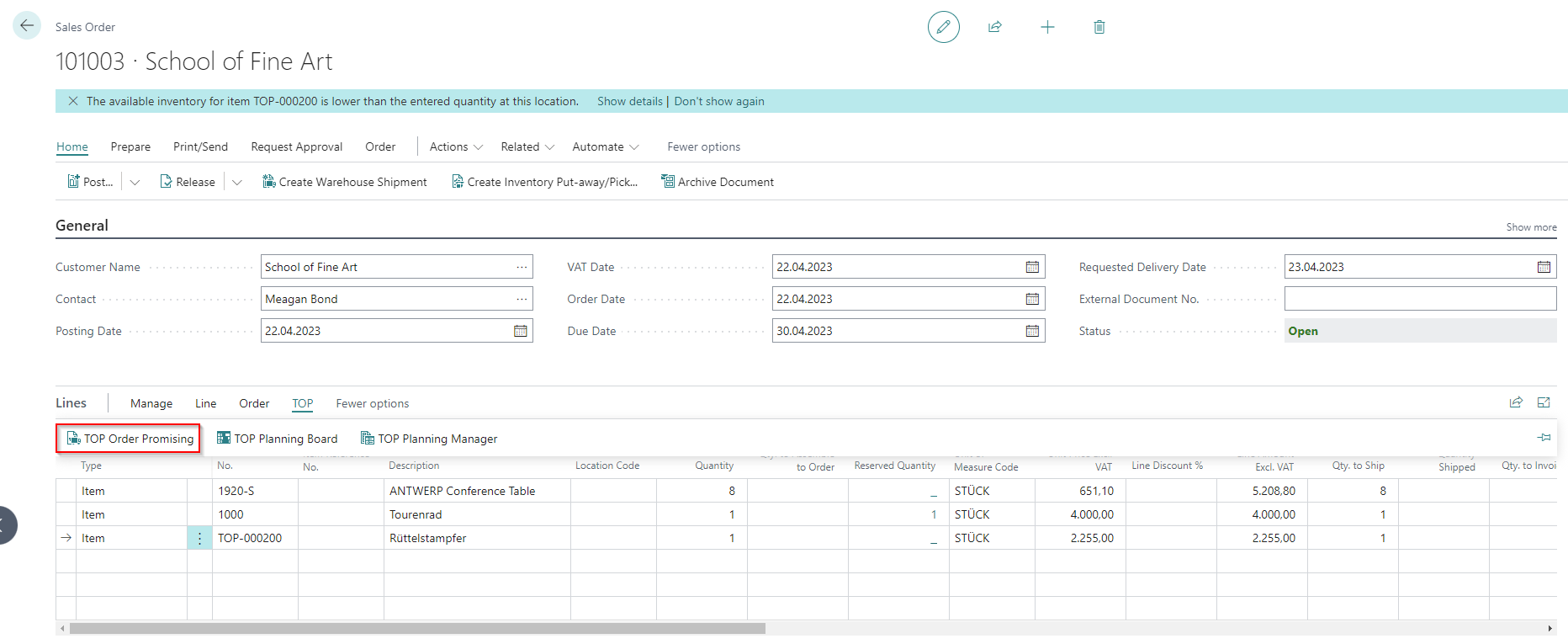
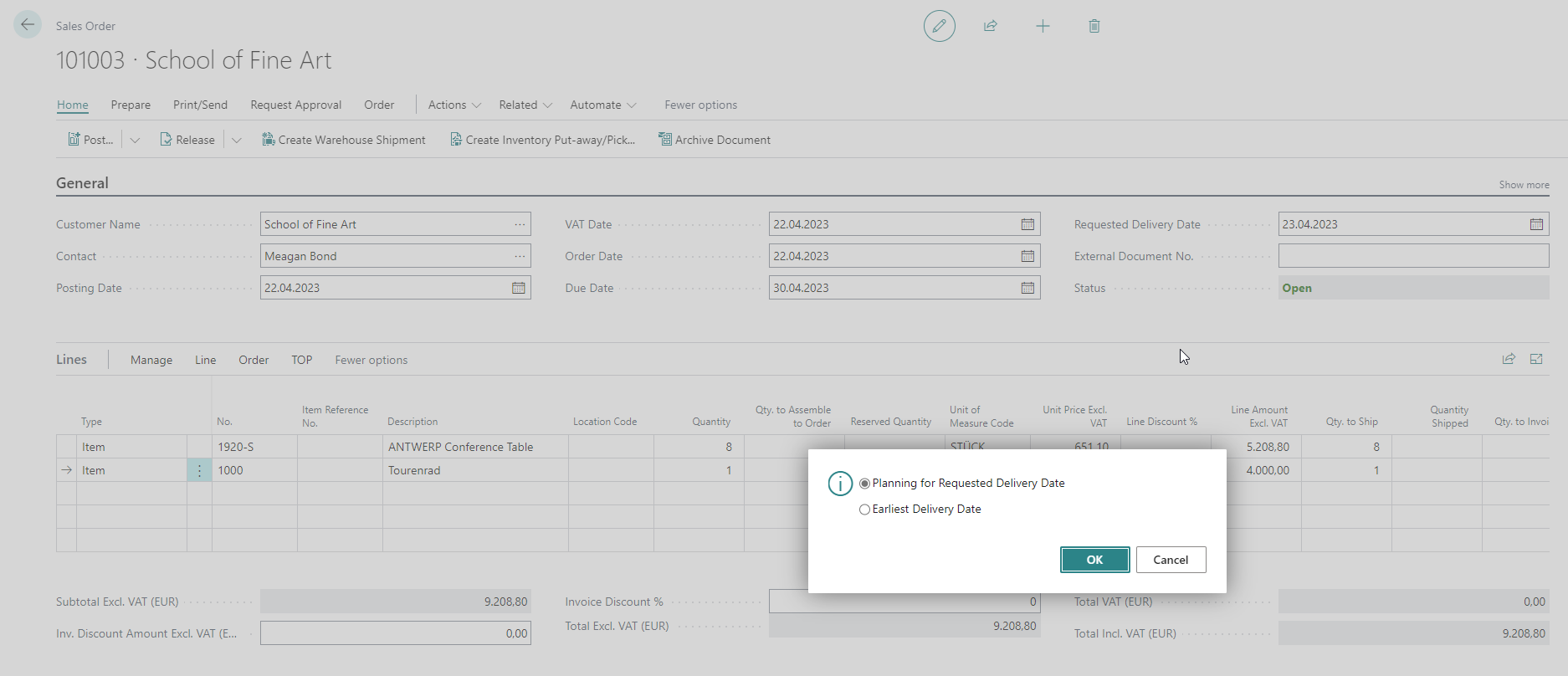
In the background, a production order (TOP PO No. on the line) with the target data is generated and transferred to the PPS, from which either the desired delivery date can be confirmed or the earliest delivery date is calculated as the result. The determined date is displayed in the TOP Finishing Date field in the order/quotation line. The status of the production order created in this way can be defined automatically in the TOP Interface under Prod. Order Status Sales Quote/Order.
The calculation can then consider all levels of a production order or only one.
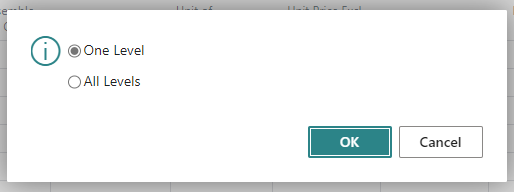
If all layers are selected, the check is performed from bottom to top through the Production BOM. It does not matter whether the item shows Make-to-Stock or Make-to-Order as manufacturing policy.
Note
The production orders created in this way remain in the PPS so that they can be processed further. If the production orders are not processed further, they are removed from the planning in the PPS according to the Expiration Time (see TOP Interfaces). The quotation validity date in the quote overwrites the expiration time for production orders.
Planning Flexibility
To prevent a production order that has once been suitably scheduled from being accidentally rescheduled again by a planning worksheet, there is the Planning Flexibility setting on the production order line.
- Unlimited: Rescheduling can be proposed/carried out without restrictions
- None: The production output is no longer taken into account in possible rescheduling and remains fixed in planning with the existing settings.
Note
The planning flexibility can be set automatically to None with a certain status of the production order. The setting must be made in the Fix Planning from Prod. Order Status field in the TOP Interface.
Feedback
Submit feedback for this page .