Set user permissions and initialize the app
Step 1: Set user permissions
Before initializing the app, make sure you set permissions for users/user groups.

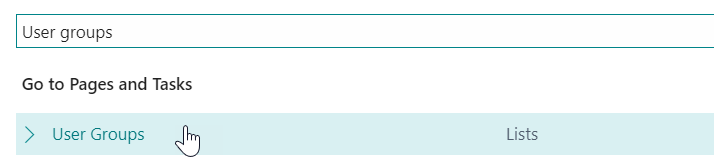
a) Go to "User Groups via the search function.
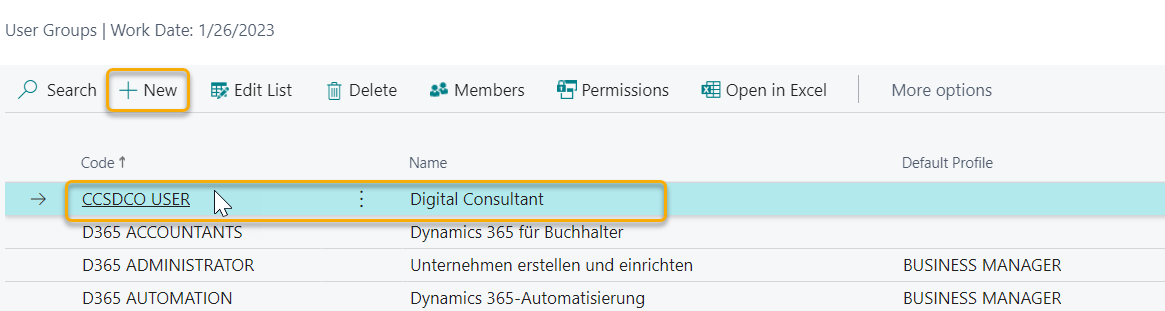
b) Add another user group via the "New" field, e.g. DCO User.
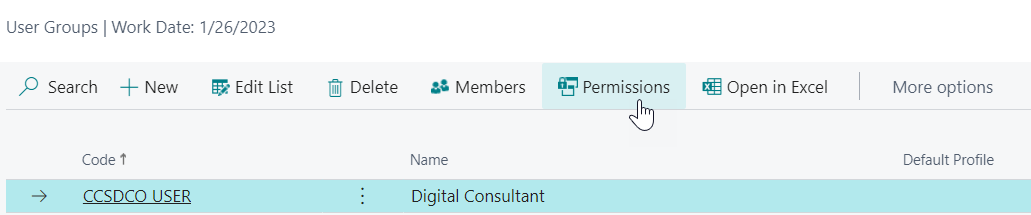
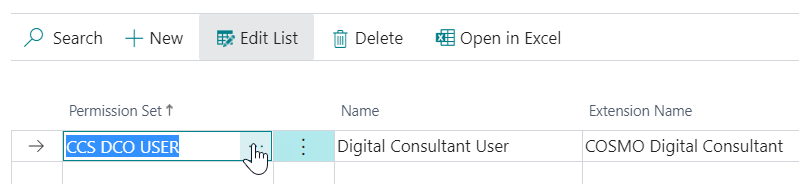
c) Then assign the CCS DCO user permission to the group.
To do this, go to the three items and browse the list of permissions.
d) Set the users for the permission group.
To do this, select the appropriate users in the "Members" area via "Add users".

